
Your Gateway to Serene St. George and Santa Clara Utah Escapes

What’s Covered on This Page
- What to Look for in a Vacation Rental Site for 2026
- One Site or Several? Weighing Multi-Platform Listing
- Before You List: Compliance, Photos, and Calendar Basics
- How do I know if I need help picking a vacation rental site, or can I just sign up myself?
- What’s the biggest misconception about vacation rental sites?
- How does being in Santa Clara affect which vacation rental site works best?
- What should I check before trusting a site with my property?
- How often should I update my listing so it doesn’t fall behind in search results?
- Should I list my Santa Clara property on more than one site?
What to Look for in a Vacation Rental Site for 2026
So what makes a vacation rental site worth your time? It comes down to trust signals you can check in under five minutes. We’ve walked plenty of Santa Clara guests through this before a trip, and the pattern is always the same. The sites that hold up over time protect both the traveler and the host, not just one side of the deal.

Ever booked a place that looked perfect online, then felt off the second you got the address? That gap between listing and reality usually traces back to weak verification. A strong site checks host identity, confirms the property address, and flags duplicate listings before they ever go live.
- Verified host identity and confirmed property address, not just a photo upload
- Secure payment processing that holds funds until check-in, protecting both sides
- Recent, unedited guest reviews with dates you can verify
- Clear cancellation terms written in plain language, not buried in a help center
- Local safety information, like flood zone status or fire evacuation notes, listed upfront
That last point matters more than people think. Santa Clara sits close to open desert land and seasonal wind events, so any listing near the area should note things like water shutoff locations and nearest emergency access. We see this mistake all the time, hosts skip the safety basics because the listing tool doesn’t ask for it.
Photos matter too, but not the way most people assume.
A good site limits how much a host can stage a listing. Wide shots of the whole room, timestamps on recent photos, and a walk-through video option all point to a platform that takes accuracy seriously. Sites without these tools tend to attract listings that look better online than they do in person, and that gap costs you time on arrival day.
One more thing worth checking, does the site let you message the host directly before booking? Platforms built for 2026 travel patterns tend to open that line early, so you can ask about parking, pets, or noise before you commit. If a site hides contact until after payment, that’s usually a sign the platform cares more about the transaction than the stay.
See our vacation rental guide
One Site or Several? Weighing Multi-Platform Listing
This is the question we get asked most. Should you put your Santa Clara property on one site or spread it across several? There’s no single right answer, but there is a smart way to think about it.

Picture a cozy two-bedroom near Santa Clara’s tech corridor. If you only list it on one platform, you’re fishing in one pond. Some guests search by brand loyalty, others by price filters, and some just check whatever app they already have installed. Miss the pond, miss the guest.
But more listings mean more moving parts, and that’s where things get tricky.
- Single platform: easier calendar management, one set of rules to learn, less risk of double bookings
- Multiple platforms: wider guest reach, more visibility during slow seasons, backup if one site has an outage or policy change
- Hybrid approach: primary listing on one main site, secondary listings synced through a calendar tool to avoid overlap
- Local factor: Santa Clara’s steady mix of business travelers and weekend visitors means demand patterns shift week to week, so being visible in more places can smooth out the gaps
We’ve watched owners try both routes. One host near Santa Clara University listed on a single big-name site for a year. Bookings were fine, but slow weeks stayed slow. Once she added a second platform and synced her calendar, occupancy climbed. Another owner went the opposite way, tried four platforms at once without a sync tool, and ended up with two guests showing up the same weekend. That’s a mess nobody wants.
So how do you decide? Start by asking how much time you have each week for managing bookings, messages, and calendar updates. If the answer is not much, one well-optimized listing might serve you better than five neglected ones. If you’ve got the bandwidth, or someone helping you manage it, multiple platforms can widen your reach without much added risk.
Here’s the truth: platform count matters less than consistency. A single listing that’s kept fresh, priced right, and answered quickly will usually beat five listings that sit stale. And a stale listing will quietly sink in search rankings, even on a popular platform.
If you’re not sure which setup fits your Santa Clara property, that’s exactly the kind of decision worth talking through before you commit your calendar to anything.
Before You List: Compliance, Photos, and Calendar Basics
Before your Santa Clara property goes live, you need three things locked down. Your permit, your photos, and your calendar rules. Skip one and you’ll spend your first month fixing problems instead of welcoming guests.
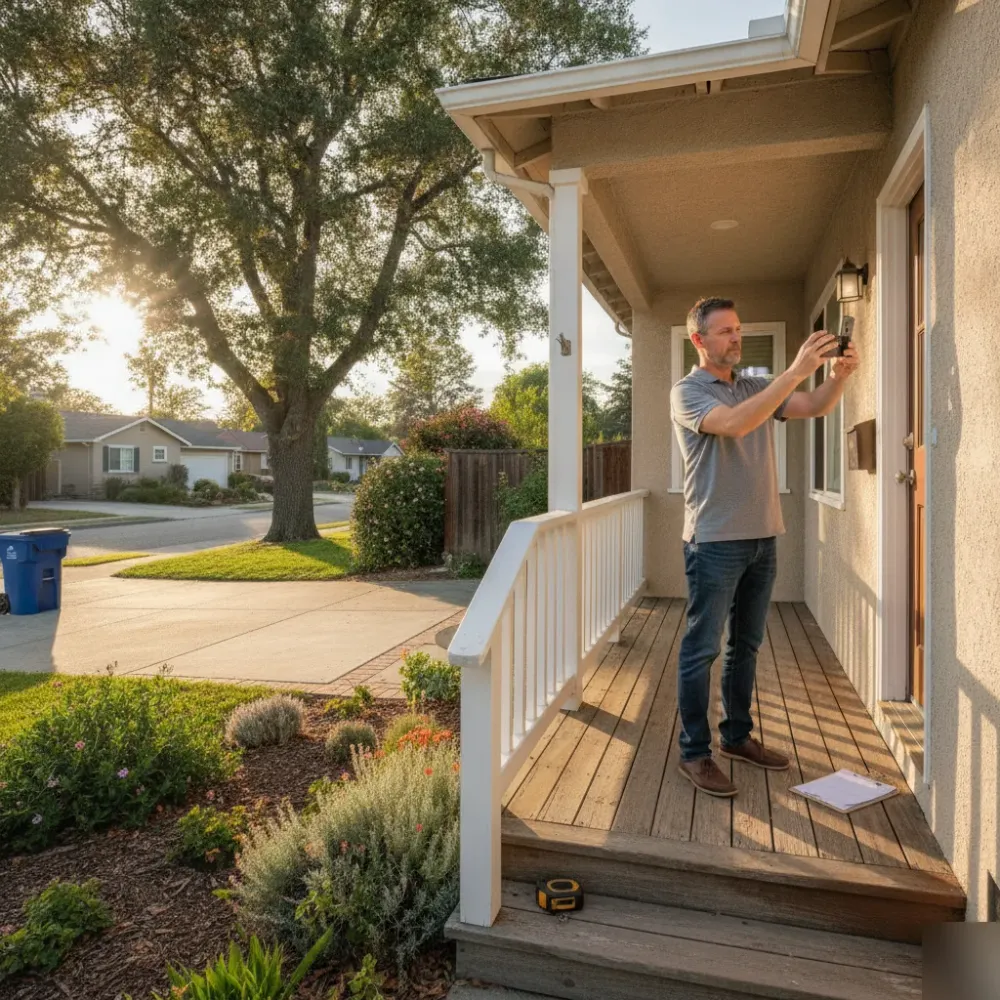
Compliance comes first, and it’s not optional. Washington County and the city of Santa Clara both expect short-term rental owners to register their property and collect transient room tax. We’ve seen hosts list a beautiful casita near Snow Canyon without checking local rules first, and they had to pull the listing within a week. That’s a rough way to start.
- A current short-term rental permit or business license from the city of Santa Clara
- Registration for Utah’s transient room tax so you can collect and remit it correctly
- Proof of liability insurance that covers short-term guests, not just long-term tenants
- Working smoke detectors, carbon monoxide detectors, and a clearly posted exit plan
- Parking arrangements that match what your permit allows
Once your paperwork is settled, your photos do the real selling. This part matters more than most owners think.
Guests scrolling through vacation rental sites make snap judgments in seconds. Shoot in the morning or late afternoon when the red rock light near St. George turns warm and soft. Open every blind, clear the counters, and let the desert view through your window do some of the work for you. A crisp photo of your patio with Pine Valley Mountain in the background can do more than a paragraph of description ever will.
Do you need a professional photographer? You don’t have to hire one, but a wide-angle lens and a steady hand go a long way.
Calendar setup trips up more new hosts than almost anything else. If you list on more than one platform, you need a syncing tool, otherwise you’ll get double bookings fast. Set your minimum stay, your check-in window, and your buffer days between guests before you ever accept a reservation. Most owners don’t realize this until a guest shows up while the last one is still packing the car.
Get these three pieces right and everything else about hosting gets easier.
Frequently Asked Questions
Common questions about Best Vacation Rental Sites in the US for 2026
How do I know if I need help picking a vacation rental site, or can I just sign up myself?
You can sign up yourself if you only plan to list on one platform and check it daily. Most sites let you create a listing in under an hour. But if you’re weighing several sites, syncing calendars, or trying to avoid double bookings, getting guidance first saves real time. Santa Clara hosts juggling business travelers and weekend guests often find it helps to compare their options before choosing, which is why we built our full guide to vacation rental sites for exactly this decision.
What’s the biggest misconception about vacation rental sites?
The biggest misconception is that more listings always mean more bookings. In reality, one well-kept listing usually beats five that sit stale. Guests notice outdated photos, slow replies, and old reviews faster than you’d think. A site’s ranking system rewards activity, not just presence. Focus on keeping one or two listings fresh and answered quickly, rather than spreading thin across every platform you can find.
How does being in Santa Clara affect which vacation rental site works best?
Santa Clara’s mix of business travelers and weekend visitors means demand shifts week to week, so visibility across more than one site can help fill gaps. A property near the tech corridor may draw weekday business guests, while the same listing pulls weekend families a few days later. Sites that let guests filter by trip type and message hosts early tend to match these shifting patterns better than sites built around one guest type only.
What should I check before trusting a site with my property?
Check that the site verifies host identity, confirms the property address, and shows dated reviews you can read in full. These three checks take less than five minutes and reveal a lot. Sites that skip verification tend to attract listings that look better online than in person. Before you commit your Santa Clara property to any platform, run through this short checklist so you know what you’re signing up for.
How often should I update my listing so it doesn’t fall behind in search results?
Update your listing at least once a month, and sooner if your rates or availability change. Fresh photos, current pricing, and quick replies to messages all signal an active host. A listing that sits untouched for months quietly loses ranking, even on a well-known site. Regular small updates matter more than a big overhaul once a year.
Should I list my Santa Clara property on more than one site?
You don’t have to, but it can help during slow weeks. A single platform is easier to manage and lowers the risk of double bookings. Multiple platforms widen your reach and give you a backup if one site changes its rules. Start with one site you can keep fresh, then add a second only once you have a system for syncing your calendar.